
The useful differences
What changes when you use it
Compare the improvements with the recording, maintenance, and editing problem you actually have.
Lens maintenance
Do not buy an II kit to repair it
Confirm kit and US service first
Panoramic recording ceiling
Already covers ordinary 8K30 work
Useful only when 60-frame capture has a job
Available internal storage
Not a reason to change cameras
Not an increase over the original
Editing software
Keep the workflow that already works
Verify new tracking and export requirements
Replaceable lenses matter only if you can get the replacement
Lens maintenance is the clearest reason to look beyond a working original. DJI’s original Osmo 360 FAQ says owners cannot change its lens. The II announcement introduces replaceable lenses. For someone whose rides or shoots regularly expose the glass to damage, a replacement option is worth investigating before the next accident—not after it.
Do not confuse a replaceable lens with a protective cover. Nor does the design alone tell you how much a repair costs, which tools it needs, or whether a kit will arrive before your trip. Ask for the II-specific kit, instructions, and US service option. Do not buy it for the original camera or promise yourself a quick field repair without that evidence. If your original glass is sound and protected between shoots, this is a risk-management benefit, not an improvement to every clip.
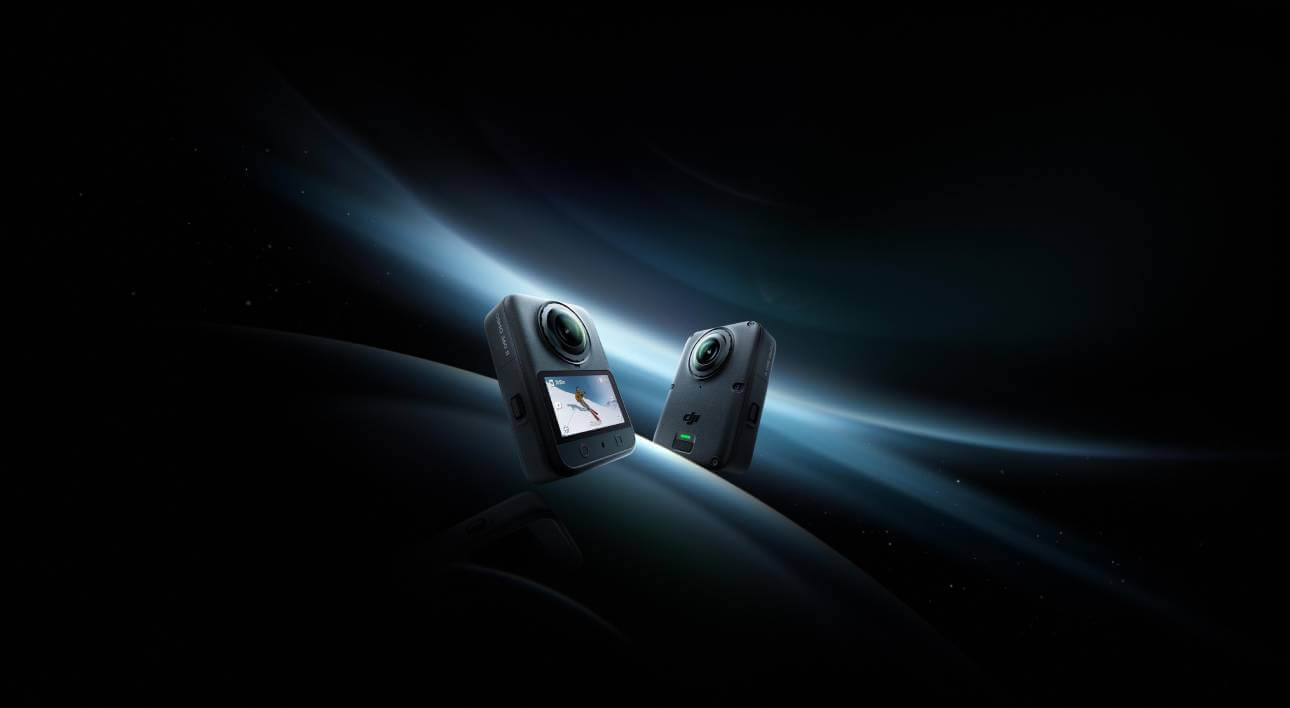
Check the exact camera, not a lens cover
DJI’s launch image identifies the camera, not the lens-replacement procedure.
A product view cannot establish the replacement kit or tools. Use II-specific instructions before attempting a repair.
Model scope
United States readers identifying the announced product; no repair steps or physical measurements established.
8K60 changes a recording option, not every finished video
The original already records panoramic 8K at up to 50 fps; the II announcement raises that ceiling to 60 fps. That deserves attention if your work calls for 60-frame footage or you deliberately want to slow a 60-frame recording into a 30-frame edit. It is not a jump from non-8K to 8K. Both cameras also list 105GB of usable built-in storage.
Start with the final video. A panorama contains the whole surrounding view; the crop you choose later is only part of it. Do not expect an 8K panorama to become an 8K close-up. If you normally record and deliver at 30 fps, another maximum frame rate may do nothing for your usual work. The II’s SuperNight 2.0 is a reason to inspect representative low-light footage, not proof that your night rides will look better. We have not compared the cameras in those conditions.
Tracking should save a specific editing job
DJI introduces Spotlight Follow to keep a subject centered, plus NFC shortcuts for connecting and opening the editing workflow. These are different improvements: tracking addresses framing; NFC addresses connection. The useful question is whether your normal clip follows one subject, or whether you still need to choose several views and cut between them.
DJI’s US app list includes both cameras under Mimo. Its export instructions also cover both, with panoramic files saved as OSV and an LRF proxy. Copying those files is not the same as producing the reframed video you will share. Before paying for easier editing, check the desired tracking mode, output resolution and frame rate, firmware, and support on your actual phone or computer. The announcement does not settle every combination. For a multi-view story, automatic centering will not choose the whole edit for you.
Count the kit you would actually have to change
Make three lists before comparing camera prices. Keep: backups, completed edits, and any accessory with explicit support for both models. Replace: anything the II instructions identify as incompatible or worn out. Check: batteries, charging accessories, adapter mounts, lens caps, protectors, and waterproof housings whose exact compatibility you have not confirmed. An empty “replace” list is not proof that everything carries over.
One useful confirmed exception is wireless audio: DJI’s US microphone support record lists both cameras with Mic 2, Mic 3, Mic Mini, Mic Mini 2, and Mic Mini 2S transmitters, without receiver connection. That can preserve an existing supported transmitter. It does not approve your other accessories. Budget the camera, required replacements, any needed lens kit, and delivery before a real shoot. Use a confirmed quote rather than a foreign price converted into dollars. If the complete bill fixes no recurring limitation, keep the original.
Keep
- Original footage and backups
- Supported DJI Mic transmitter: Mic 2 / 3, Mini / Mini 2 / Mini 2S
Replace only when confirmed
- Items explicitly excluded by II instructions
- Worn or damaged shooting accessories
Check before budgeting
- Battery and charging accessories
- Mount and quick-release adapter
- Lens cap, protector and waterproof housing
- II lens kit and US service
- Phone, tracking mode and export
The check column is unresolved, not a shopping list. No battery, protector, housing or mount is approved by brand alone.
A global announcement is not your US checkout offer
DJI announced the II’s global launch on September 3. We have not verified a complete US retail offer and model-specific warranty or lens-service terms. That does not establish a ban or mean the camera cannot be bought. It means a US shopper should not rely on an overseas store’s price, return window, or repair promise.
Before ordering, get the exact model and bundle, delivery commitment, seller’s return terms, and DJI service eligibility for that unit. If the main attraction is replaceable lenses, include the kit and service arrangement in those questions. Keep your working camera for a booked trip until those answers and the editing requirements are clear. First-time 360 buyers should compare the complete alternatives too; an upgrade from an Osmo 360 is a different question from choosing an entirely new camera system.
Make the choice
Choose the situation that sounds like yours
Keep the original if recording is not the limitation.
Investigate the II for maintenance, not an assumed free or instant repair.
Upgrade only if it removes work you actually repeat.
Compare the complete bill with keeping the original.
Scope and limits
Before you apply this advice
This covers: United States Osmo 360 owners evaluating the announced Osmo 360 II against DJI United States product specifications, announcement, and US English support records reviewed September 16, 2026. This is a conditional upgrade brief, not confirmation of US retail availability.
This does not cover: Canada or other-region hardware SKUs, menu translations, radio rules, prices, availability, returns, warranty or support policies not established by the cited United States sources. No GearCurrent hands-on image-quality, tracking, heat, battery, repair or export-speed tests. No imported-product recommendation or unverified battery, lens-kit or protector compatibility.
- Do not assume the II lens kit repairs the original camera.
- Do not infer US warranty or availability from a global release.
- Do not infer image quality or reliable recording duration from a maximum mode.
- Keep your original recordings and backups before selling the old camera.
Sources
Where the facts come from
- 01DJIOsmo 360 II announcement — United States
US-rendered September 3 announcement supports announced 8K60, replaceable lenses, 105GB, SuperNight 2.0, Spotlight Follow, NFC and the global launch. It does not establish a US store offer or detailed repair, software-mode or warranty conditions. Re-opened 2026-09-16.
- 02DJIOsmo 360 specifications — United States
US-rendered specification page supports original panoramic 8K50 maximum, 105GB available internal storage and panoramic file formats. No measured comparison is inferred. Re-opened 2026-09-16.
- 03DJIOsmo 360 FAQ — United States
Original product FAQ says owners cannot change the lens and explains original-model protection, recording and editing functions. It does not establish II accessory reuse. Re-opened 2026-09-16.
- 04DJI SupportCompatible Apps and Download — United States
US English support record explicitly includes Osmo 360 II and Osmo 360 under DJI Mimo. Base app compatibility is not proof of every new mode on every device. Re-opened 2026-09-16.
- 05DJI SupportOsmo Series Footage Export Guide — United States
US English export record includes both cameras, phone and USB copy instructions, OSV panoramic originals and LRF proxies. Copying footage is distinguished from editing and delivering it. Re-opened 2026-09-16.
- 06DJI SupportDJI Mic Series compatibility — United States
US English record lists both cameras with wireless TX connections for Mic 2, Mic 3, Mic Mini, Mic Mini 2 and Mic Mini 2S, not RX connections. No other accessory is approved from that evidence. Re-opened 2026-09-16.