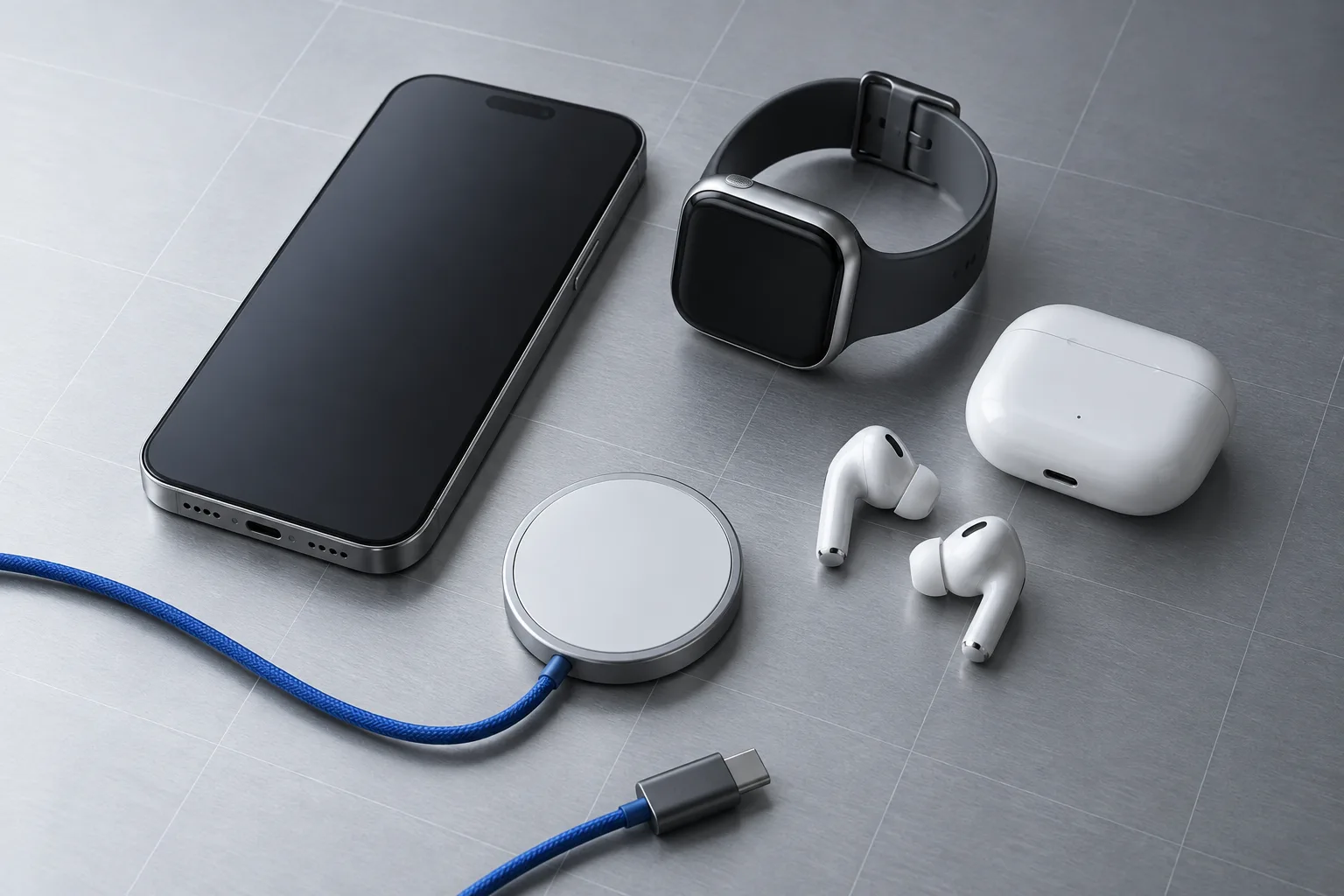
 GearCurrent illustration
iPhone · Apple Watch · iPad · AirPods
Compatibility and cost · North America
A new device can change cables, storage, charging, subscriptions, and the rest of the system. Check those dependencies before paying.
Know the whole change, not only the box price.
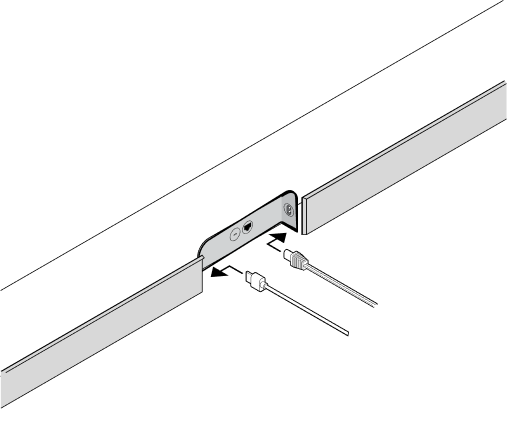
List the devices and accessories in use.
Check ports, protocols, and versions.
Find what must change and what can stay.
Add the hidden cost before committing.
Start with one clear decision
Plug into the TV HDMI port labeled ARC or eARC, enable CEC, prove basic TV audio, then confirm the format the soundbar receives.
Read the decisionChoose your system
These are the focused ecosystems GearCurrent is actively maintaining.
GearCurrent illustrationiPhone · Apple Watch · iPad · AirPods
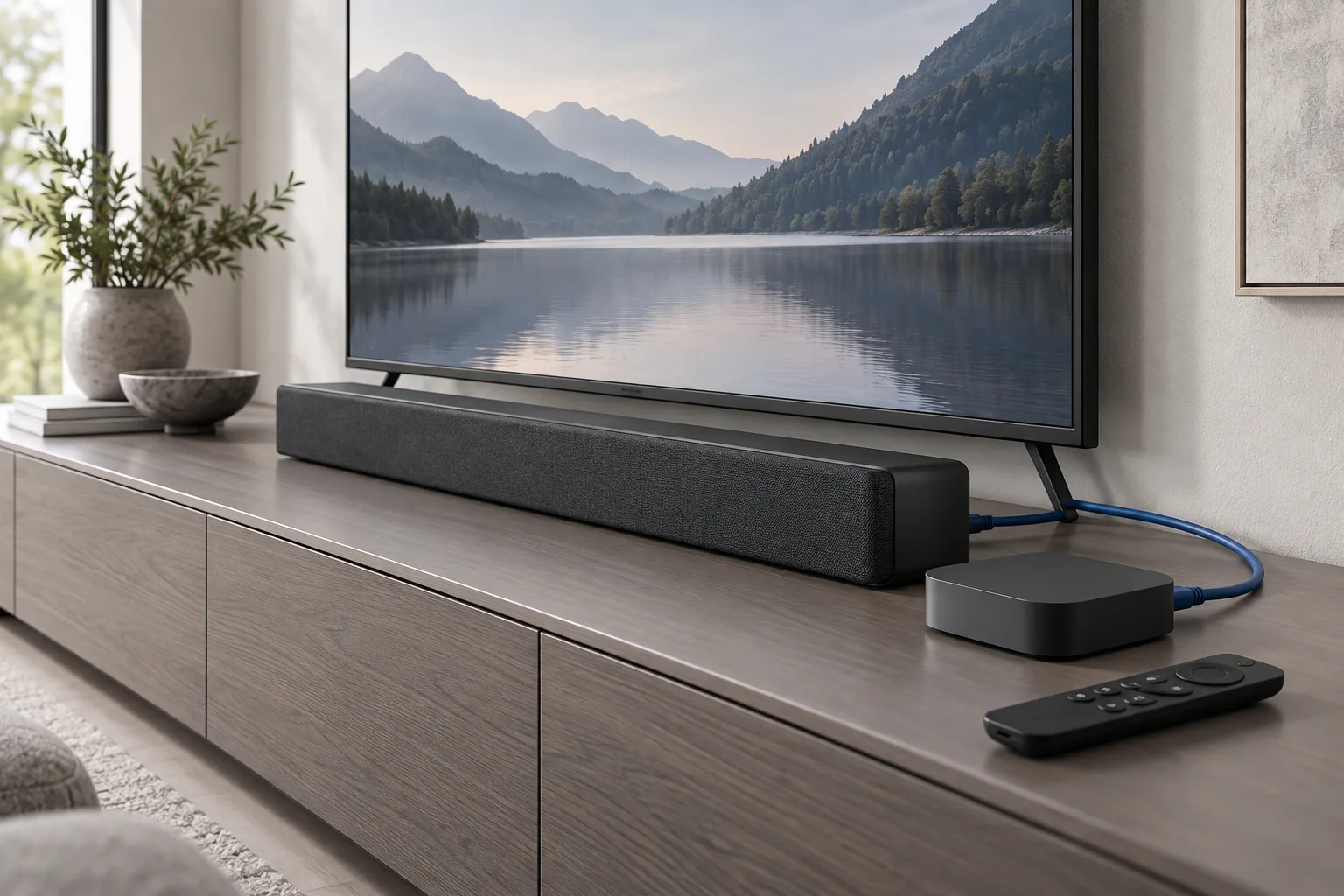 GearCurrent illustration
Samsung · LG · Roku · Apple TV · Sonos · Projectors · AV receivers
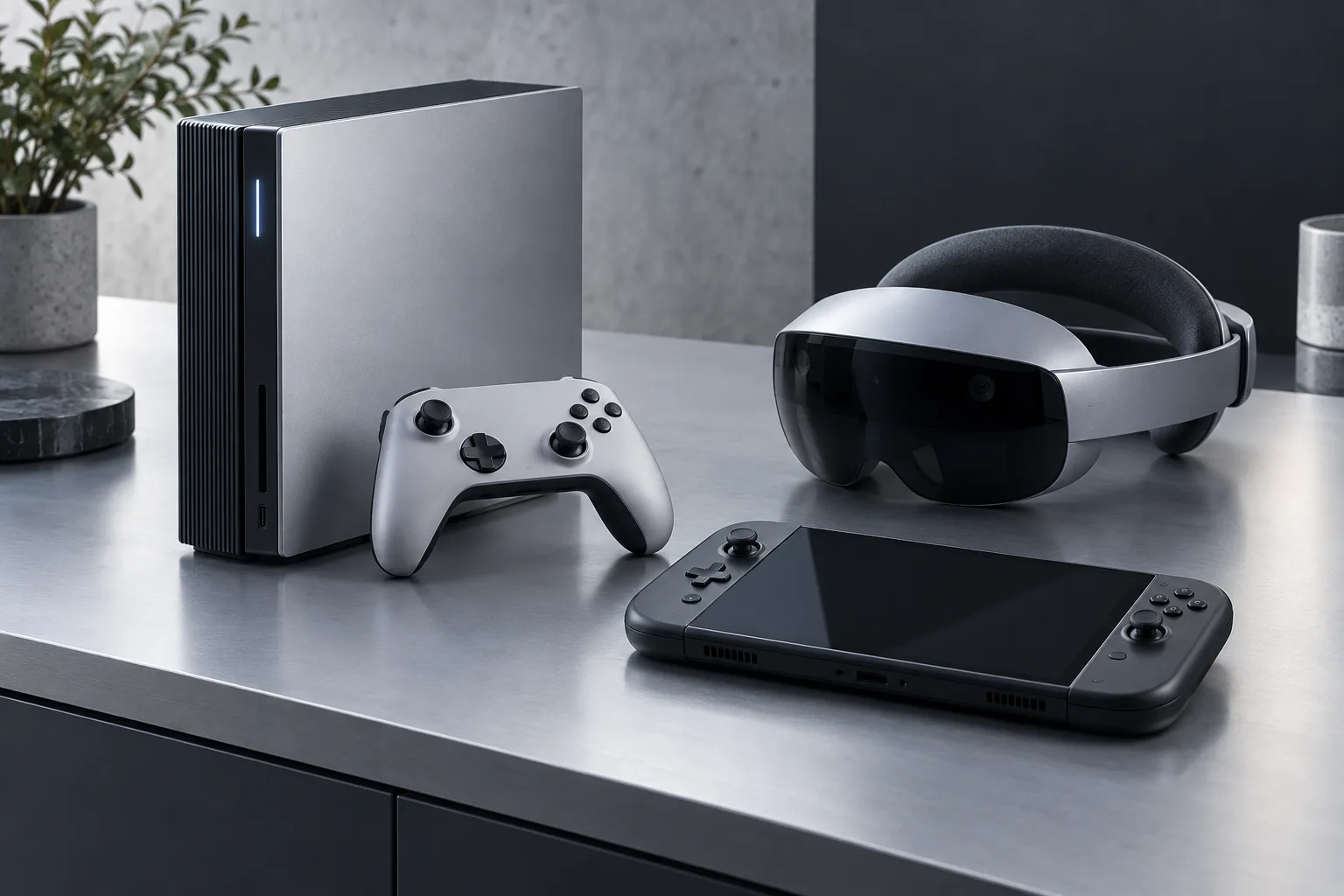 GearCurrent illustration
PlayStation · Nintendo Switch · Meta Quest · PC handhelds · Gaming displays