Check the full requirement set
Verify speed class, capacity, direct connection, and intended game type before buying or formatting.
Capacity alone does not make a drive eligible for PS5 extended storage.
Format only after backup
Open Settings, Storage, USB Extended Storage, choose Format as USB Extended Storage, and confirm only after data is backed up.
Sony states that the format operation erases the drive.
Assign PS4 games deliberately
Set USB extended storage as the PS4 installation location when direct play and internal-space savings are the goal.
Sony supports installing and playing PS4 games from the drive.
Move PS5 games before play
Copy a stored PS5 game back to console storage or a supported internal M.2 SSD before launching it.
PS5 games cannot run directly from USB extended storage.
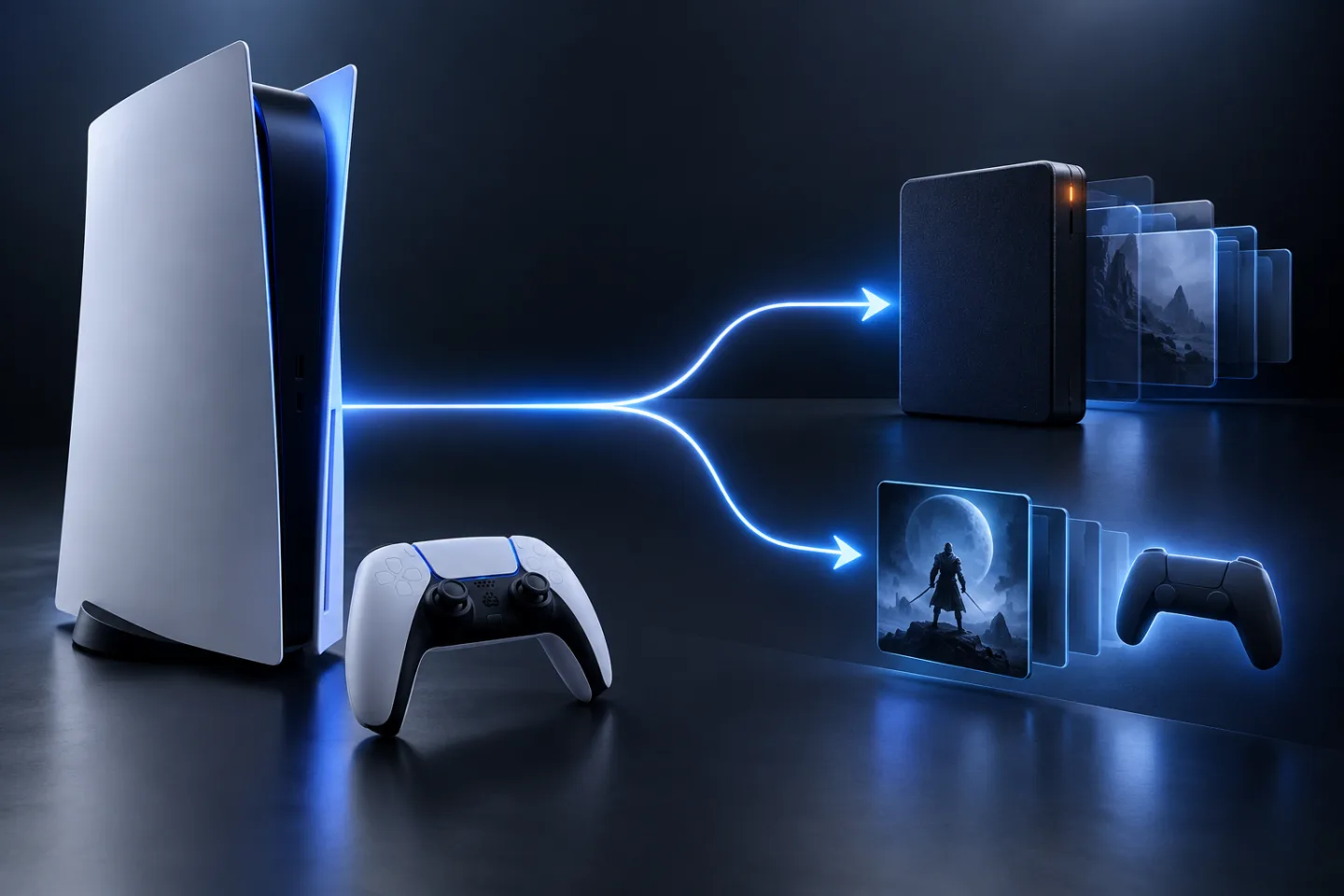
USB storage is an archive for PS5 games
GearCurrent illustration of the storage-location decision. It is conceptual, not a PlayStation product image or compatibility test.
The visual distinguishes USB archival storage and the location required to play a PS5 game; the cited PlayStation page supplies the actual requirements.
Model scope
Conceptual orientation for United States PS5 owners comparing USB extended storage with playable console or M.2 storage.
Make the choice
Choose the situation that sounds like yours
Normal USB storage use does not prove PS5 extended-storage eligibility.
The drive is acting as an archive, not a PS5 execution volume.
Sony allows multiple USB devices but only one extended-storage drive in use.
Scope and limits
Before you apply this advice
This covers: United States USB hard drives and SSDs being evaluated as extended storage for a PlayStation 5 console.
This does not cover: Internal M.2 SSD selection, generic media drives, unsupported USB hubs, drive repair, or guaranteed performance for every product; United Kingdom, European Union, Australia, Japan, or other-region hardware SKUs, menu translations, electrical or radio rules, warranty and support policies, prices, or availability the cited United States sources do not support.
- Do not format a drive containing the only copy of important files.
- Do not disconnect the drive while data is moving, formatting, or before using the safe-removal control.
- Do not buy a drive on the assumption that USB-C shape alone proves SuperSpeed support.
Sources
Where the facts come from
- 01PlayStation SupportUSB extended storage on PlayStation 5 consoles
PlayStation Support United States page re-opened 2026-09-07: SuperSpeed USB 5 Gbps or later; 250 GB–8 TB; no USB hub; only one extended-storage drive in use; format erases data; PS4 games install and play from USB; PS5 games store on USB but must copy back to console or M.2 storage before play; safely remove guidance.