Confirm HERO13 Black and a genuine HB-Series part
Match the exact GoPro product name and confirm its United States page lists HERO13 Black. Do not mount HB-Series glass on HERO (2024) or older bodies.
GoPro markets HB-Series as exclusive to HERO13 Black with Auto-Detect, and the United States HERO shop page states HERO is not compatible with HB-Series Lenses.
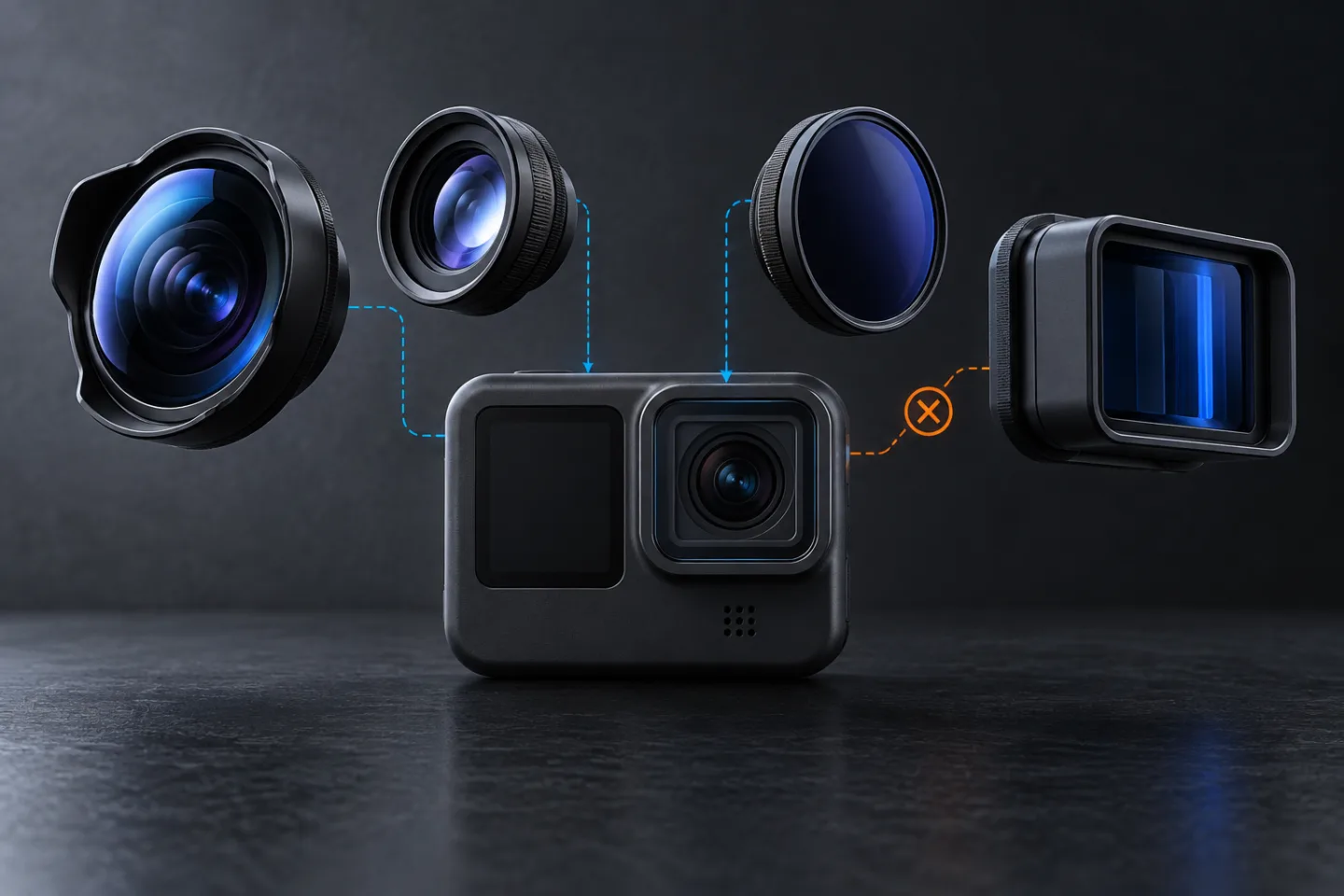
Match the lens job before the mount
GearCurrent illustration of a lens-selection system. It is conceptual; the shapes are not GoPro products and do not establish compatibility.
Use the visual to choose the capture job first, then complete the exact-model compatibility check in GoPro documentation.
Model scope
Conceptual orientation for United States HERO13 Black HB-Series selection using the cited GoPro product pages.
Choose Ultra Wide for wide POV, not underwater
Use Ultra Wide when you need up to a 177° view, 1:1 capture flexibility, or stronger HyperSmooth performance up to 4K60. Keep it out of underwater use even though the lens is waterproof when mounted.
GoPro’s Ultra Wide page and surf footnotes state those capture benefits and that Ultra Wide Lens Mod is not intended for use under water.
Choose Macro for a measured focus range
Use Macro when the subject can sit within its about 11 cm to 75 cm variable-focus range and you can accept manual focus.
A close-up goal without a working distance does not prove Macro is the right accessory.
Choose Anamorphic or ND for their own jobs
Use Anamorphic for 21:9 in-camera de-squeezed footage in low-impact or gimbal contexts GoPro documents; HyperSmooth still applies. Use the ND4/8/16/32 pack when motion-blur control is the goal and Auto-Detect can shift into the matching cinematic mode.
Anamorphic changes framing; ND filters change exposure. They are not substitutes for Ultra Wide or Macro.
Verify Auto-Detect and record a dry proof clip
Attach the lens or filter without forcing it. Confirm HERO13 Black recognizes it and switches modes, then record and review a short dry clip.
Listed compatibility does not prove seating, focus, or the framing you wanted.
Make the choice
Choose the situation that sounds like yours
Auto-Detect has not completed.
GoPro’s product footnote excludes underwater use for Ultra Wide Lens Mod.
The working distance may be outside the accessory’s range.
The proposed activity exceeds the Anamorphic product recommendation.
Scope and limits
Before you apply this advice
This covers: United States GoPro HERO13 Black owners choosing genuine GoPro HB-Series Ultra Wide, Macro, Anamorphic, or Smart Motion Blur ND accessories using the cited United States product and news pages. Canada is omitted because no separately verified Canadian first-party HB-Series procedure is cited here.
This does not cover: HERO (2024) or other non-HERO13 bodies; older Max Lens Mod workflows except where a cited HERO13 page contrasts Auto-Detect; third-party filters; artistic rankings without a defined output; underwater claims for Ultra Wide, Macro, or Anamorphic; Canadian procedures inferred from United States pages; and United Kingdom, European Union, Australia, Japan, or other-region SKUs, menus, warranties, prices, or availability the cited United States GoPro sources do not support.
- Do not force an older, third-party, or HERO (2024) lens onto the HERO13 mount.
- Do not take Ultra Wide, Macro, or Anamorphic Lens Mods underwater.
- Do not use a cracked, loose, contaminated, or unrecognized optical accessory for a critical shot.
Sources
Where the facts come from
- 01GoProGoPro HERO13 Black
United States HERO13 Black page re-opened 2026-09-06. Supports HB-Series lineup, Auto-Detect, and HERO13 accessory identity.
- 02GoProUltra Wide Lens Mod
United States Ultra Wide page re-opened 2026-09-06. Supports HERO13-only HB-Series identity, Auto-Detect, 177° / 1:1 behaviors, HyperSmooth performance up to 4K60, and the footnote that Ultra Wide Lens Mod is not intended for use under water.
- 03GoProMacro Lens Mod
United States Macro page re-opened 2026-09-06. Supports HERO13 compatibility, manual focus ring, and about 11 cm to 75 cm focus range.
- 04GoProAnamorphic Lens Mod
United States Anamorphic page re-opened 2026-09-06. Supports 21:9 in-camera de-squeeze, Auto-Detect, HyperSmooth support, and low-impact or gimbal use context.
- 05GoProSmart Motion Blur ND Filter 4-Pack
United States HB-Series ND4/8/16/32 pack page re-opened 2026-09-06. Supports Auto-Detect into cinematic motion-blur modes and HERO13 Black compatibility.
- 06GoProHB-Series Lens Collection
United States collection page re-opened 2026-09-06. Supports Ultra Wide, Macro, Anamorphic, and ND set as the HB-Series lineup; Auto-Detect; HyperSmooth support for the lenses and filters; and the footnote that Ultra Wide, Macro, and Anamorphic are not intended for use under water.
- 07GoProHERO
United States HERO (2024) shop page re-opened 2026-09-06. FAQ states HERO is not compatible with HB-Series Lenses—used only for that negative compatibility claim.