Start with what you see
Let the result choose the next step
The headset is Quest 3S and the display stays blank
Stop replacing cables. Meta’s current wired-display procedure does not include Quest 3S.
There is no current first-party basis for promising this connection. That is not the same as a permanent hardware verdict.A USB-C cable works for Meta Horizon Link but not for a monitor
Link is a PC data connection. For a direct display, confirm that the headset is Quest 3 and the cable supports DisplayPort video.
The two connections use the same plug for different signals.The Quest 3 charges but the display stays blank
Verify the cable and display input explicitly support DisplayPort / USB-C video rather than charging only.
Power delivery does not prove optional video support exists.
Step 1
If you have Quest 3S, stop before buying a cable
Meta’s current wired-display help article names Quest 3. It does not include Quest 3S, Quest Pro, or Quest 2 in that procedure.
A USB-C port can carry charging or data without supporting the same video feature. Meta’s current wording is not enough to recommend a Quest 3S display cable.
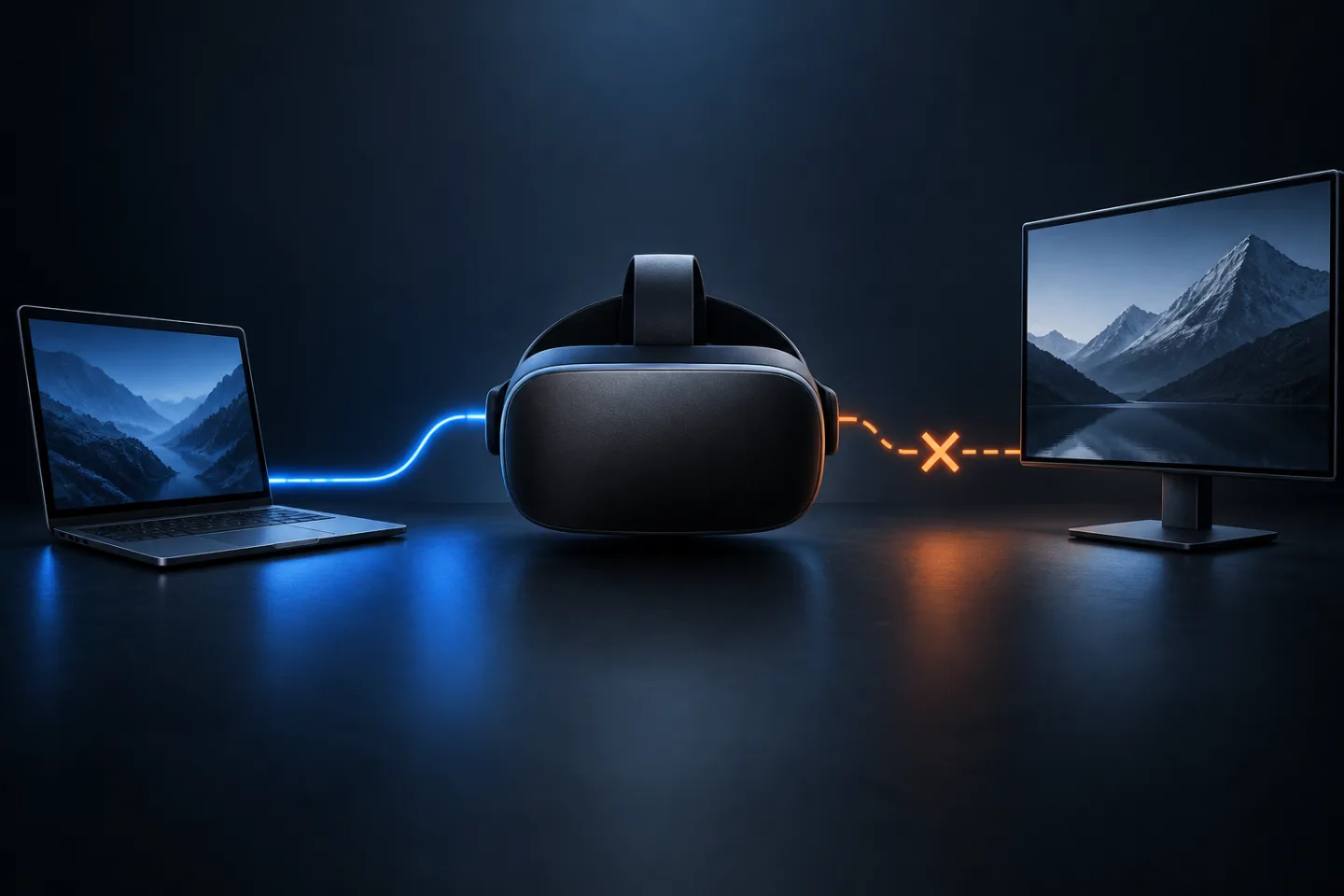
One USB-C shape, two different connection jobs
GearCurrent illustration comparing a PC VR data link with an assumed monitor-video connection. It is conceptual and not a headset port or display test.
The interrupted line represents the missing first-party basis for promising Quest 3S DisplayPort output; it is not proof of a permanent hardware limit.
Model scope
Conceptual orientation for the United States Quest 3 and Quest 3S connection question covered by the cited Meta help pages.
Step 2
If you have Quest 3, build the display connection
Use USB-C to USB-C, USB-C to DisplayPort, or another cable chain listed by Meta. An HDMI display needs an active DisplayPort-to-HDMI adapter or cable. Connect directly before adding a hub.
Meta’s documented Quest 3 result is a video-only mirror of the left-eye view at 1920x1080 and 60 FPS. It does not include audio or DRM-protected video.
Step 3
Use Horizon Link for Windows PC VR
Install Meta Horizon Link on a compatible Windows PC and use a USB-C 3.2 cable that supports at least 5 Gbps. Connect the cable to a USB 3.0 port on the PC, then choose Quick controls > Link in the headset.
Horizon Link sends PC VR data. A cable that works for Link does not prove that the headset supports direct monitor output.
Scope and limits
Before you apply this advice
This covers: United States owners checking whether Quest 3 or Quest 3S can connect directly to an external display by USB-C or DisplayPort. It also distinguishes that job from Meta Horizon Link to a Windows PC. Canada is not included because a current Canadian procedure was not separately verified.
This does not cover: Wireless casting, Virtual Display, HDMI capture devices, or a permanent hardware verdict for Quest 3S. It excludes Canadian and other-region models, menus, warranties, prices, and availability not supported by the cited United States sources.
- Do not buy a cable for Quest 3S monitor output based only on the shape of its USB-C port.
- Charging or Horizon Link success does not prove DisplayPort video support.
- Stop and contact Meta support when a current Quest 3 fails with a known-good direct DisplayPort-capable cable and a video-capable display input.
Sources
Where the facts come from
- 01MetaCasting to an external display using USB-C, DisplayPort or HDMI cables
Current Meta Quest Help re-opened 2026-09-08: names Quest 3 for wired DisplayPort mirroring, lists USB-C, DisplayPort, and active DisplayPort-to-HDMI cable chains, and states the video-only 1920x1080 at 60 FPS result. The procedure does not name Quest 3S.
- 02MetaSet up and connect Meta Horizon Link and Air Link
Official Meta Help re-opened 2026-09-08: Horizon Link connects a Quest headset to a Windows PC by USB-C, requires a USB-C 3.2 cable supporting at least 5 Gbps, and provides the Quick controls > Link setup path.