Start with what you see
Let the result choose the next step
The self-test sound plays normally
Return to the affected source and check its mute, volume, cable, and selected Sound Out.
The LG TV speakers can produce sound; the fault is outside the tested internal speakers.Built-in apps have sound but one HDMI source does not
Focus on that source device, its volume, HDMI cable, and output format.
The TV audio system works on another content source.The self-test is also silent
Record the result and request LG support or service.
The problem is no longer limited to one input or source device.
Step 1
Check both volume controls
Clear mute and raise volume on the LG TV and on the connected set-top box, console, or other source.
LG notes that an external device can remain muted or at zero even when the TV volume is raised.
Step 2
Choose the intended Sound Out
Open All Settings > Sound > Sound Out and select TV Internal Speaker or the actual connected audio device.
A TV can stay routed to a disconnected external speaker after that accessory is removed.
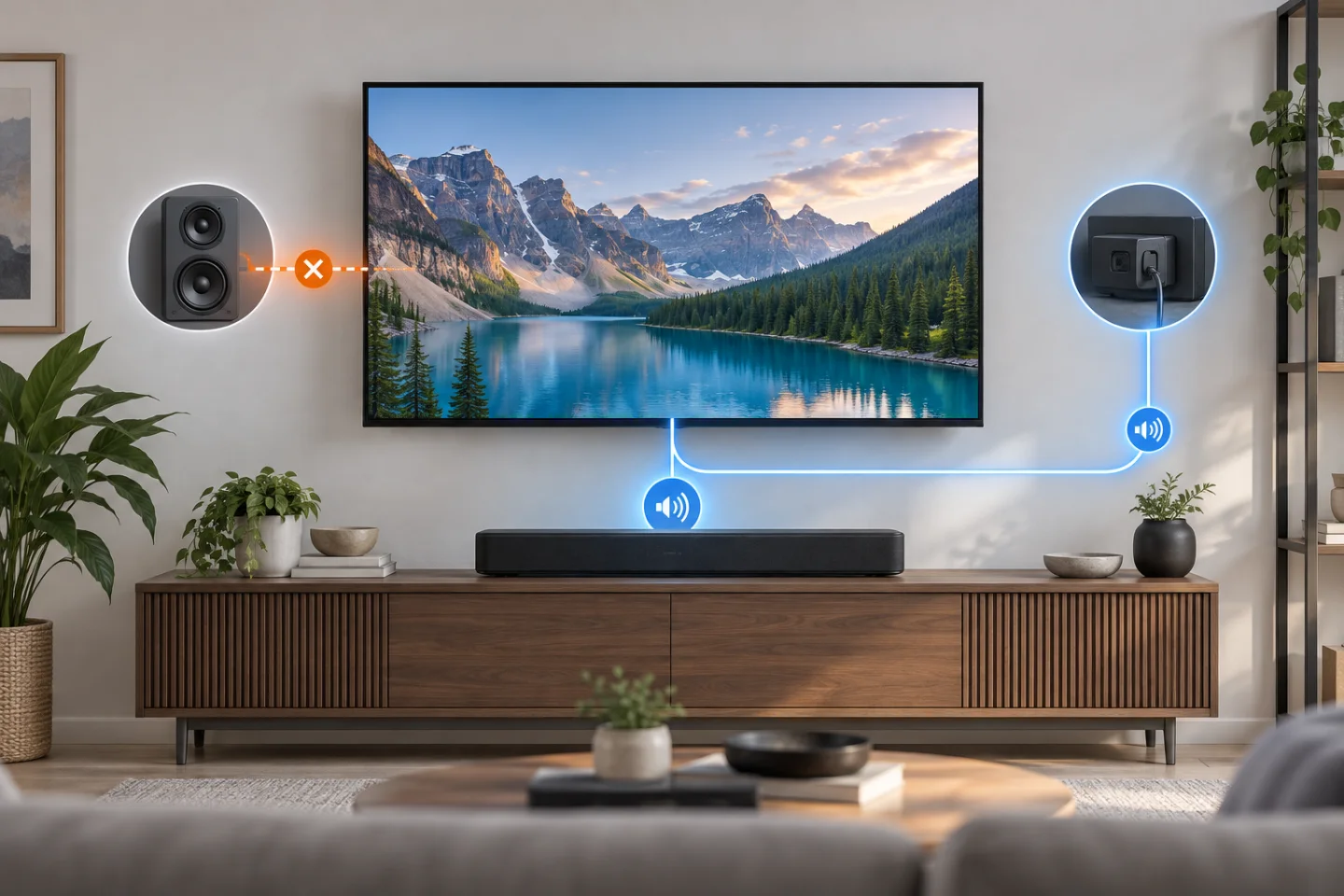
Choose the right television audio output
GearCurrent illustration of possible television audio routes. It is conceptual, not an LG menu, port diagram, or hardware test.
Use the three destinations to confirm where Sound Out should send audio before changing cables or requesting service.
Model scope
Conceptual orientation for United States LG TV no-sound diagnosis using the cited LG USA routing and self-test guidance.
Step 3
Reseat HDMI and restart both devices
Reconnect both HDMI ends, try another known-good HDMI cable if available, and restart the TV and external source.
This tests the HDMI link without changing unrelated picture or network settings.
Step 4
Run Sound Self-Diagnosis
Use the Sound Self-Diagnosis or Sound Test menu LG documents for the TV’s webOS year.
The test shows whether TV speaker hardware failed, or the source, cable, and routing did.
LG webOS 22 Sound Self Diagnosis
LG USA Support demonstrates Sound Self Diagnosis on webOS 22 so you can tell an internal-speaker fault from an HDMI or source-device fault.
Match the webOS 22 menu before copying the sequence, run the sound test, and use whether the test tone plays to choose the next check.
Model scope
LG TVs using the webOS 22 menu shown; other model years use the separate menu paths listed in the cited LG help article.
Scope and limits
Before you apply this advice
This covers: United States owners of LG webOS televisions that show picture but produce no sound through the internal speakers or a selected external device. Sound Self-Diagnosis menus must be matched to the model year using the cited LG USA article.
This does not cover: Model-specific soundbar repair, Bluetooth pairing alone, distorted or delayed audio, broadcast-provider outages, Canada-specific menus or support, and other-region models, electrical requirements, warranty terms, prices, or availability not supported by the cited United States sources.
- Do not open the TV cabinet or internal speaker assembly.
- Stop using a damaged HDMI cable or a device that causes heat, odor, or electrical noise.
- Contact LG when Sound Self-Diagnosis is silent after the correct Sound Out and volume checks.
Sources
Where the facts come from
- 01LG USA SupportWhat to check if your LG TV has no sound
LG USA article updated July 13, 2026 for source volume, Sound Out, HDMI reseating, device restart, year-specific Sound Self-Diagnosis menus, and service guidance. Independently re-opened 2026-09-07.
- 02LG USA Support[LG WebOS TVs] How To Use Sound Self Diagnosis On Your LG TV - WebOS 22
Official LG USA Support walkthrough of the webOS 22 Sound Self Diagnosis menu and test sequence. Independently confirmed still published 2026-09-07.